
Create low-fidelity wireframes — free, no sign-up
An online editor to draw screens with ready-made controls, link them together and present the flow. Your projects stay in your browser.
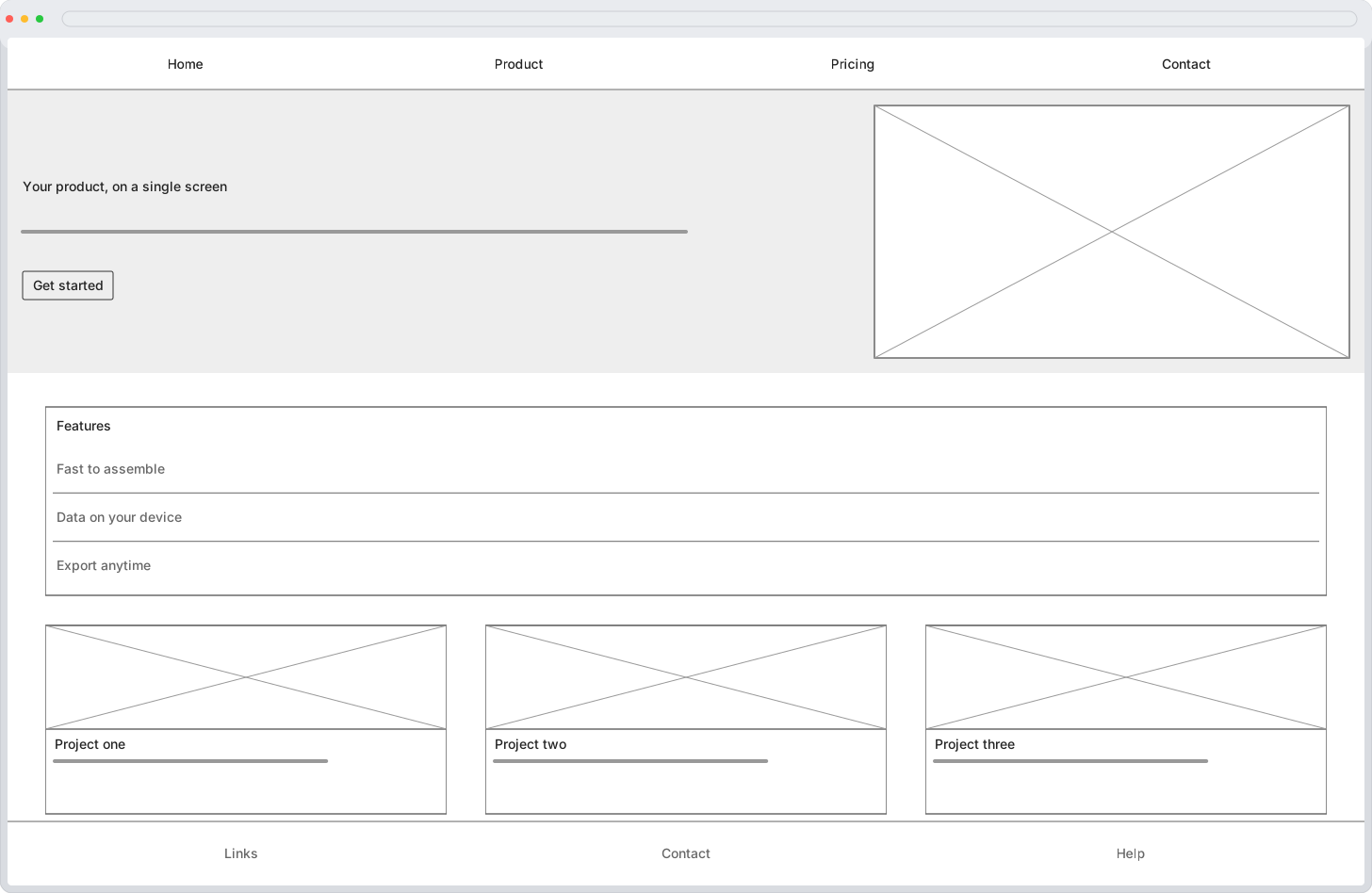
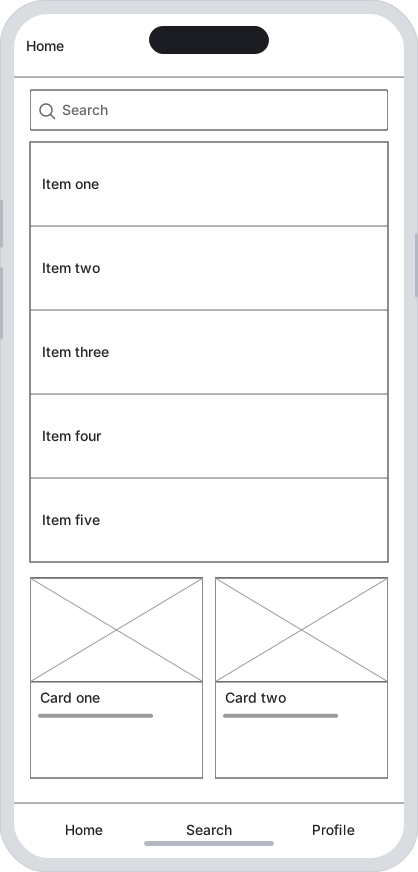
A real flow, screen by screen
These three screens are built with the editor itself: kit controls, phone frames and links between screens. It's the flow you can assemble in minutes.
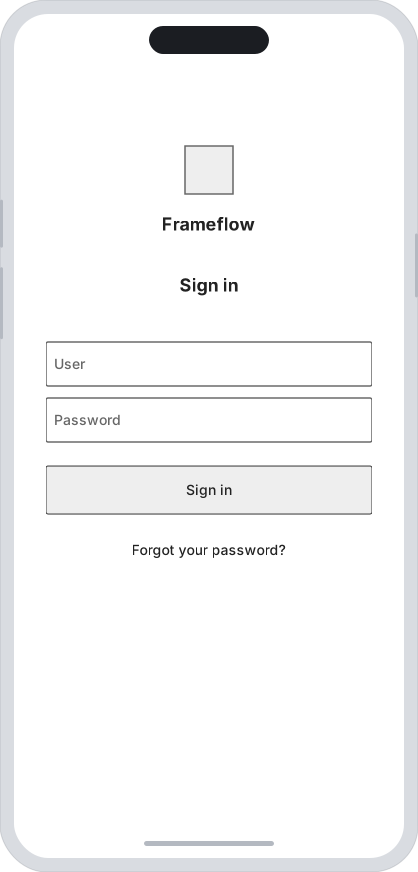
Sign in
Brand, username, password and a button to get in.
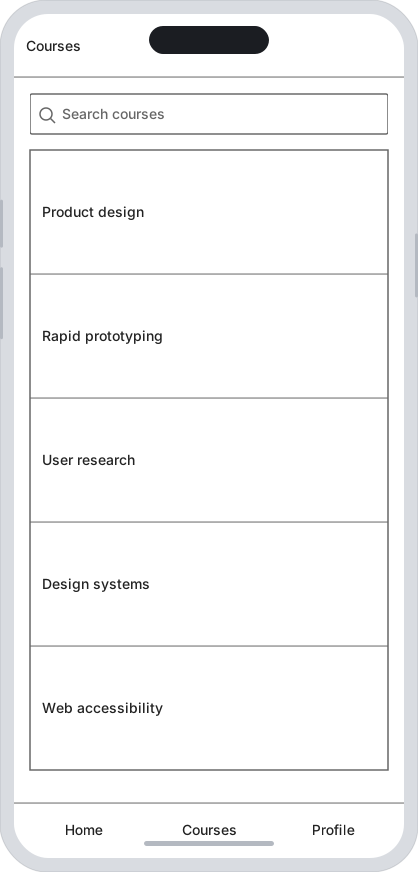
Courses
Header, search, course list and bottom bar.
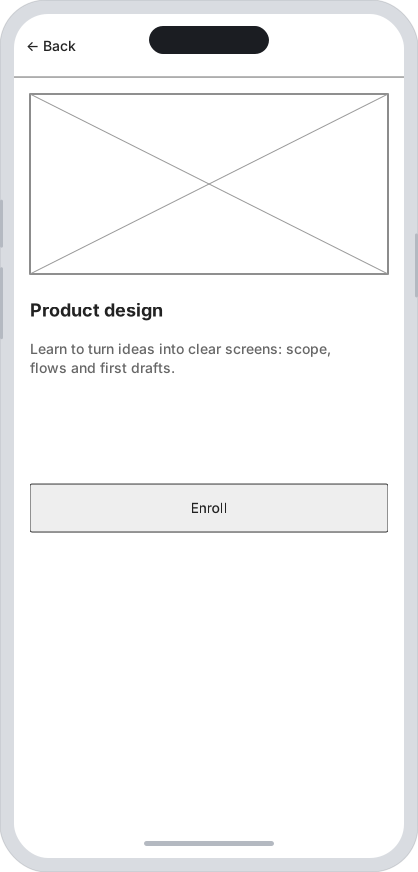
Details
Cover image, title, paragraph and an action button to enroll.
The three screens are linked: you can present the flow and click through it.
The essentials
- 61 ready-made controls
- Phone, tablet and desktop frames
- Linked screens and presentation
- Export PNG, SVG and PDF
Frequently asked questions
Is it free? Do I need an account?
Yes: it's free and there's no sign-up. No paid plans, no locked features. Open the app and start designing.
Where are my projects stored?
In your browser's local storage (IndexedDB). You can export a JSON file to back them up or move them to another computer.
Can I export or print my screens?
Yes: SVG and PNG per screen, plus a printable view with every screen to save as PDF.
Can I use it with an AI agent?
Yes. Open “Document status → Use with AI”: ChatGPT needs a compatible built-in browser; Claude Desktop uses an optional extension. Help includes steps and requirements.
Start your first wireframe
Free and no sign-up. Your projects stay in your browser.